how better photos help you show up and get picked on google
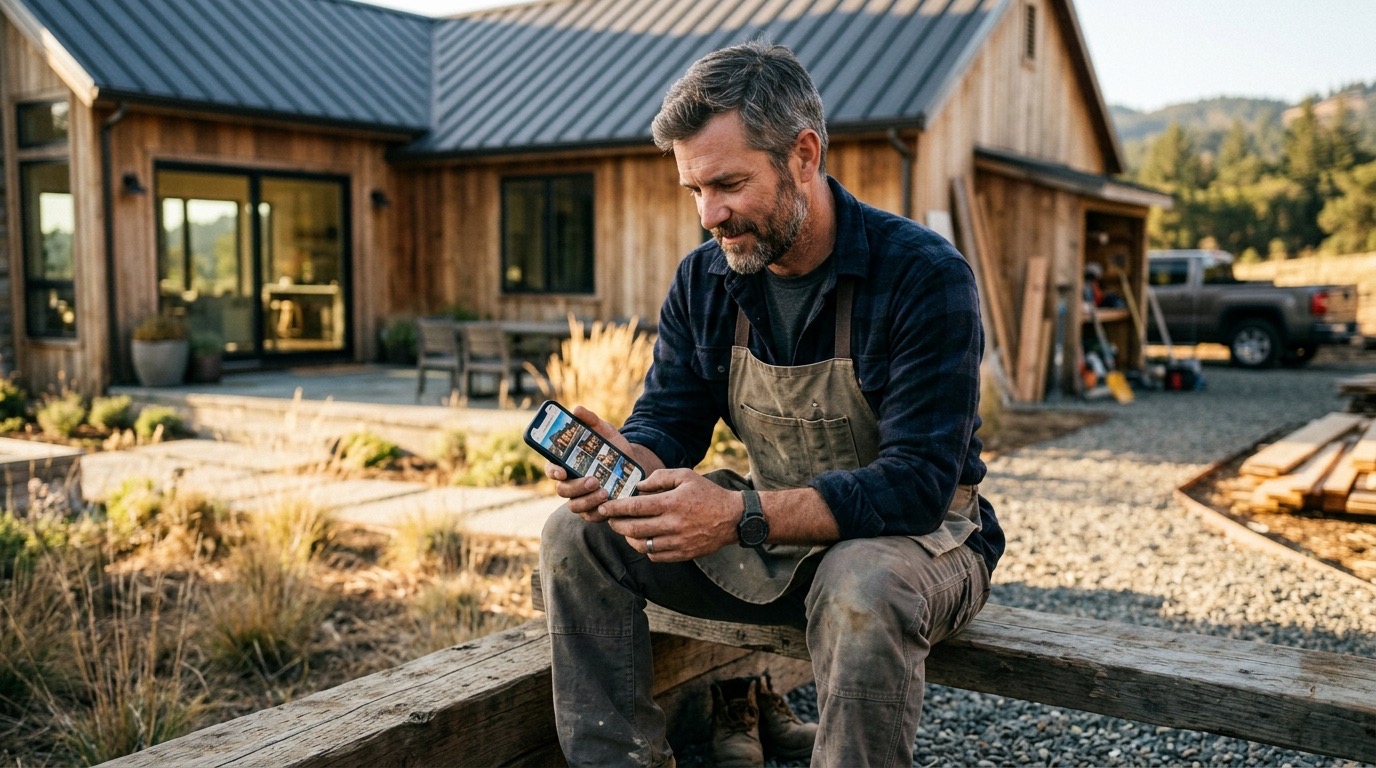
Most local service businesses have the same problem with photos. Either they have none, or they have a couple of stock images that look like they came with the website template. Neither one helps you rank or convert.
Understanding how photos help you rank and convert is actually pretty simple once you see the two jobs photos are doing at the same time. One job is with Google. The other is with the person who found you and is deciding whether to call.
Both matter. And both depend on the same thing: real photos, added regularly.
how photos help your google business profile rank
When three businesses show up in the map pack for “plumber near me” or “landscaper Escondido,” Google didn’t pick them at random. It evaluated which profiles look like active, legitimate businesses that match what the person searched for.
Photos are part of that evaluation.
Google’s systems can read the content of your images. A photo of a water heater installation tells Google something different than a photo of your company truck. A before-and-after of a landscaping job communicates relevance in a way that a stock photo of grass does not. If the photos on your profile match what people in your area are searching for, that works in your favor.
Beyond what’s in the photos, there’s the signal of freshness. Profiles that add photos consistently look like active businesses. Profiles that haven’t added anything in six months look like businesses that might have changed, moved, or closed. Google treats activity as a positive signal.
The businesses that tend to rank well in local search don’t have better photos in some artistic sense. They just have more of them, updated regularly, showing real work.
the conversion side: what happens after someone finds you
Getting into the map pack is one problem. Getting the click and then the call is a different one.
When a person is comparing two or three businesses from a Google search, they’re doing a fast gut check. They’re looking at reviews, yes. But they’re also looking at photos. And they’re making a quick decision about whether this business seems real, competent, and worth calling.
Stock photos fail this test. People recognize them. They’ve trained themselves to skim past images that look like they came from a library, because those images tell them nothing about the actual business.
Real photos do the opposite. A photo of your crew finishing a concrete job. A before and after from a bathroom remodel. The inside of your shop with your tools organized and your team working. These images tell a story in two seconds that no amount of copywriting can replicate.
Trust is the word everyone uses here, but what’s actually happening is simpler. The person is trying to figure out if you’re real, if you’re good at what you do, and if they’ll feel okay handing you a key to their house or signing off on a project. Real photos answer those questions faster than anything else on the page.
what kinds of photos actually help
Not every photo does equal work. Here’s what tends to perform:
Work photos. Before and after shots are the strongest thing you can post on your Google Business Profile. They show competence directly. They match what people searching for your service are hoping to find.
Team photos. A photo of you or your crew on a job site humanizes the business. People hire people, not logos. A face helps.
Your truck or van. This sounds basic, but it signals legitimacy. A branded vehicle on a real job site says you’re an established operation, not someone working out of a garage with a Craigslist ad.
Your space. If you have a shop, showroom, or office, photos of it help people feel oriented before they show up. It lowers friction.
In-progress shots. Catching work mid-job shows the process. Customers who are anxious about hiring someone find this reassuring. They can see what it looks like when your crew is on-site.
What does not help: generic stock photos of happy people shaking hands, images with your logo slapped on top, blurry phone shots taken in bad light. If the image doesn’t show something real about your business, skip it.
how often you should be adding photos
There’s no magic number, but consistency beats volume.
Adding two or three real photos from a completed job once a week is better than uploading thirty photos all at once and then going dark for three months. Consistent activity is what signals to Google that you’re an operating business, not a dormant profile.
The easiest habit: when a job finishes well, pull out your phone and take a couple of shots before you pack up. The work is right there. It takes two minutes. Then upload them to your Google Business Profile and your website gallery when you get home.
That’s the full move. No complicated system required.
photos on your website matter too
Your Google Business Profile isn’t the only place photos do work. Your website is where people land after they click, and the same rules apply.
A website full of stock images tells the visitor almost nothing about you. A website with real photos of your actual work, your actual crew, and your actual results builds the same trust your Google profile does, just at a different stage in the decision.
If someone’s going from your Google listing to your website, they’re already interested. The photos on your site either confirm that interest or kill it.
This is one of the reasons professional photography pays for itself over time. It’s not about aesthetics. It’s about having a consistent set of real images you can use across your Google profile, your website, your social accounts, and any other place a potential customer might encounter you.
If you’re curious about what that looks like in practice, I cover this in more depth at /services/photography.
the practical move right now
You don’t need to hire anyone today. You just need to start taking photos of the work you’re already doing.
Pull out your phone at the end of a job. Get a shot of the finished project. Get one of your crew before they load up. If there’s a visible before and after, get both.
Upload those to your Google Business Profile. Add a short caption that names the service and the city. Do it again next week.
That habit alone will put you ahead of most of your local competitors, because most of them aren’t doing it. The profile with ten recent, real photos from actual jobs is going to outperform the profile with two generic images that haven’t changed in a year.
It’s not complicated. It’s just consistent.
common questions
do i need a professional photographer for google business profile photos?
No. Real photos taken on a decent phone beat stock images every time. That said, if you want a core set of images that work across your website, your profile, and your marketing for the next few years, a professional shoot is worth it. You do it once and you stop scrambling for photos every time you need to update something.
how many photos should i have on my google business profile?
Start with ten. Aim for more over time. Businesses with a larger library of real, relevant photos tend to rank better and get more engagement than businesses with just a few images. More important than the total count is keeping the photos current. Add new ones from recent jobs regularly.
can photos really help me rank higher on google?
They’re one piece of a larger picture, but yes. Google uses the content of your images as a relevance signal. Fresh photos signal that your profile is active. Profiles with more photos tend to get more clicks and engagement, and engagement is something Google pays attention to when deciding who to show in local search results.