how to use video to win customers, not just views
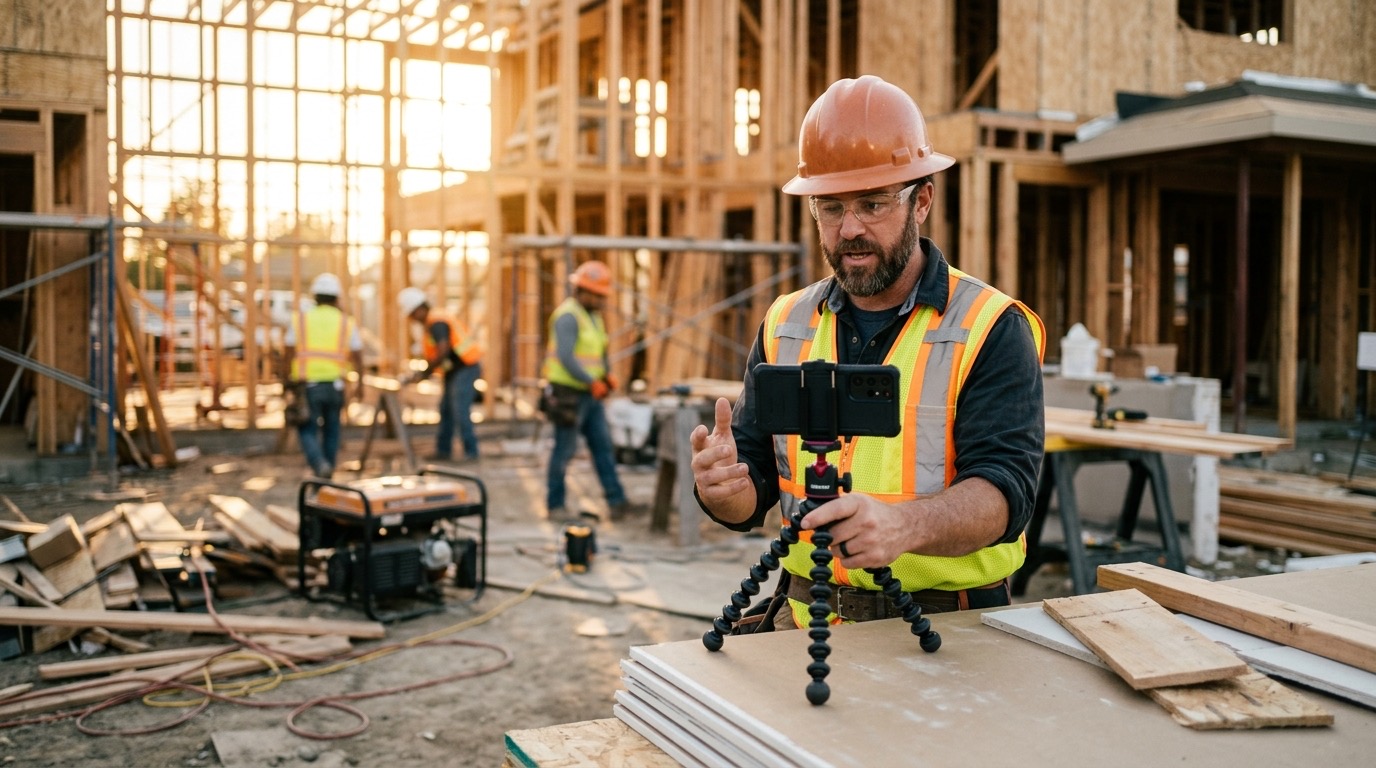
Most business owners who ask me about video are thinking about views. They want something that goes viral, or at least gets shared. I get it. But views are not customers. And if you’re running a local service business, you probably don’t have time to chase an audience. You need to know how to use video to get more customers, specifically the people in your area who are ready to hire someone.
The good news is that video does work for that. The bad news is that most of the advice online is aimed at content creators, not contractors, plumbers, landscapers, or the owners of small service businesses who just want the phone to ring.
Here’s what actually moves the needle.
how to use video to get more customers: put it where buying decisions happen
This is the piece most people miss. They think about video as something you post on social media and hope goes wide. But for a local service business, the highest-value places for video are not Instagram Reels or YouTube shorts.
They’re your website, your Google Business Profile, and your sales follow-up emails.
Think about the moment someone is actually deciding whether to call you or your competitor. They found you on Google. They’re looking at your profile or your website. They have a question. They’re not sure they trust you yet.
A short video in that moment does more work than anything else. It lets them see you, hear you, and get a feel for how you operate. That’s what moves someone from “maybe” to “yes.”
your website homepage
If you have a video on your homepage, it should answer one question: why should I trust this person with my problem?
Not a full company history. Not a highlight reel set to music. Just you, on camera, talking plainly about who you serve and what you do. Thirty seconds. Maybe sixty. That’s enough.
People hire people, not companies. Video is the fastest way to let someone feel like they already know you a little before they ever pick up the phone.
your Google Business Profile
Google lets you add videos to your Business Profile. Almost nobody does this. That’s an easy win.
A before-and-after video of a job you finished last week. A quick walkthrough of a common problem you fix. Thirty seconds shot on your phone in decent light. Upload it to your profile and it sits there working for you every time someone finds you in local search.
It signals to Google that your profile is active. More importantly, it gives the person looking at your listing something real to look at instead of just reading your reviews.
your sales follow-up emails
This one is underused even by people who understand video. When someone gets a quote from you and doesn’t respond, what do you do? Most people either follow up with a plain text email or give up.
Try sending a 90-second video instead. Not a pitch. Just you walking through what the job involves, what they should expect, and what the next step looks like. Film it on your phone. Send it through a free tool like Loom.
It’s unusual enough that people actually watch it. And it answers the questions they were too embarrassed to ask in person. That alone closes jobs.
what kind of video works best
The format matters less than the content. A few types that consistently work for local service businesses:
Answer a real question. What do I do if my water heater is making a banging noise? How do I know if my roof needs to be replaced or just repaired? These are things people actually search. A two-minute video that answers the question clearly, filmed by the person who does the work, will outperform most polished productions.
Show the work. Film a job in progress. Show what the problem looked like before and after. People want to see that you can actually do what you say you do. Nothing builds trust faster than evidence.
Introduce yourself. A short “who we are and how we work” video on your about page or in a welcome email is simple and effective. It removes the uncertainty of hiring a stranger.
production quality: how good is good enough
Good enough is good enough. You do not need a professional crew. You need decent lighting, a phone that can record in HD, and a quiet enough spot that people can hear you.
The biggest mistake I see is people not making any video because they think they need equipment they don’t have. Your phone is fine. Natural light from a window is fine. Clean and clear beats cinematic every time.
If you want to go a step further, an external microphone that clips to your shirt costs around thirty dollars and makes a real difference. That’s the one upgrade worth making early.
the one thing video cannot do without
A next step.
Every video needs to tell the person watching what to do. Not in a pushy way. Just clearly. “If you’re dealing with this, call us and we’ll come take a look.” “Head to our site and fill out the form.” “Reply to this email and we’ll set something up.”
Without a next step, the video just ends and the person moves on. The call to action does not have to be aggressive. It just has to be there.
distribution is the real job
Here’s something nobody tells you: a great video that nobody sees is worthless. Distribution matters more than production.
When you make a video, put it everywhere it can live. Your website. Your Google Business Profile. Your email follow-ups. Text it to warm leads. Add it to your email signature for a month. Pin it to the top of your Facebook page.
The video is the asset. Your job is to put it in front of the right people at the right moment. The right person seeing a simple, useful video beats the wrong person seeing a polished one every time.
If you want help thinking through how video fits into a real marketing system for your business, that’s the kind of thing I work through with clients. Before you get into tactics, it’s also worth understanding why video works in the first place so you can make smart decisions about where to put your energy.
common questions
do I need to be on camera myself?
Not always, but it helps. People hire people. Being on camera, even briefly, builds a level of trust that voiceover or text on screen cannot match. If being on camera genuinely is not an option, a well-edited before-and-after with your voice explaining it will still work. But if you can show your face, do it.
how long should a business video be?
Depends on where it lives. Homepage intro: 30 to 60 seconds. FAQ or how-to answer: 2 to 4 minutes. Sales follow-up: 60 to 90 seconds. Google Business Profile: 30 to 60 seconds. Shorter is almost always better. If you can say it in two minutes, don’t stretch it to five.
how often do I need to make videos?
You don’t need a production schedule. Start with three: a homepage intro, an answer to the most common question you get, and one job walkthrough. Get those live and see what happens. Add from there when it makes sense. Consistent beats constant.